
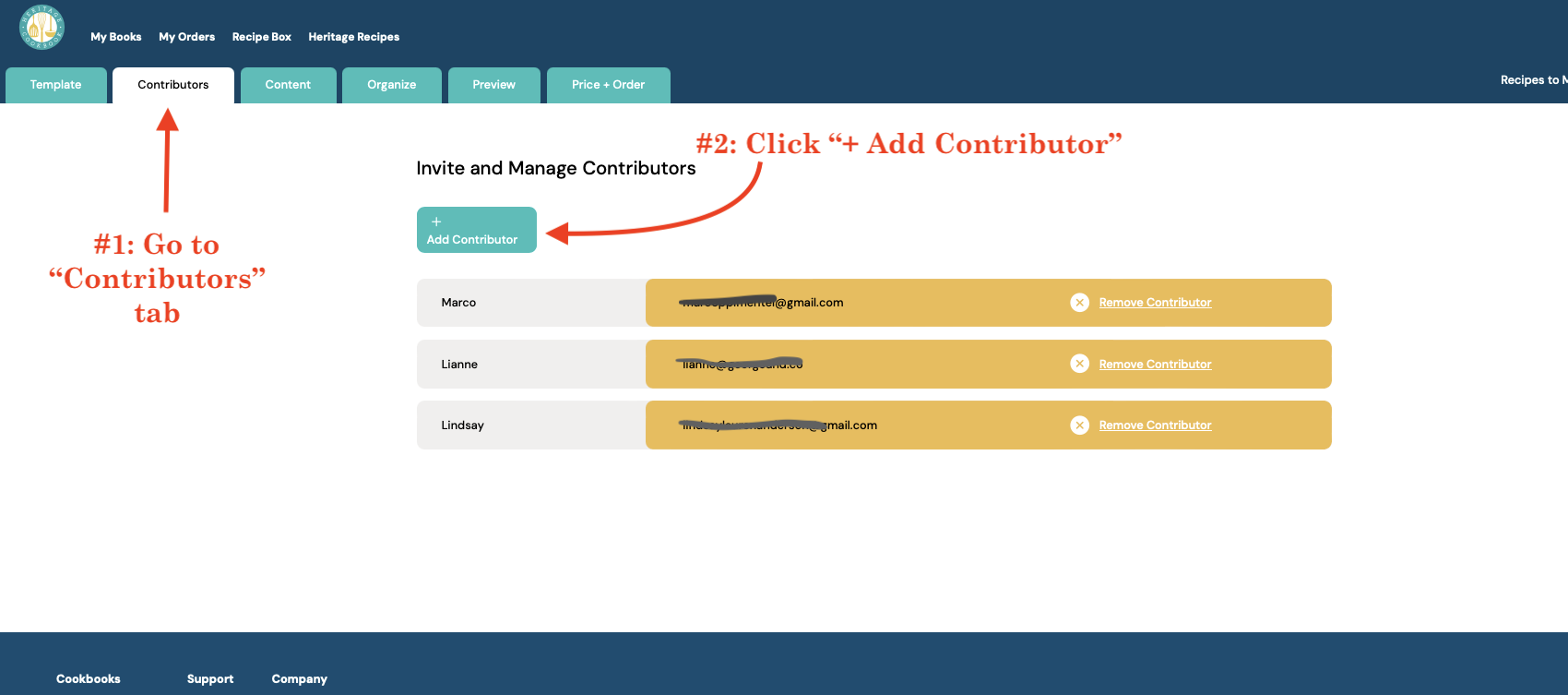
Our 'Contributors' feature is a great tool that allows multiple people to contribute to one book directly through the Heritage Cookbook program.
How to Invite and Set Up Contributors for Your Cookbook
If you’re the main cookbook organizer, a little prep goes a long way. Letting contributors know what to expect ahead of time will help avoid confusion and reduce follow-up questions.
What contributors should expect (share this with them)
You’ll receive two emails after you’re invited:
1) Verify your email
The first email will ask you to verify your email address.
Click the teal Verify Email button to confirm your account.
2) Start contributing
Go back to your inbox and open the second email titled
“[Name] has invited you to contribute to their cookbook.”Copy the temporary code in the email.
Click Start contributing, then log in using:
Your email address
The temporary code (this acts as your password)
You can change your password later by clicking your name in the top-right corner and selecting My Account → Change Password.
3) Add your recipe(s) to the book
Helpful notes
Contributors can add recipes, but can’t delete pages or edit other parts of the book.
If someone doesn’t see the book, they should double-check they’re logged in with the same email address that was invited.
The full Help Guide is always available if needed.
Comments
0 comments
Article is closed for comments.